
Animate One Picture
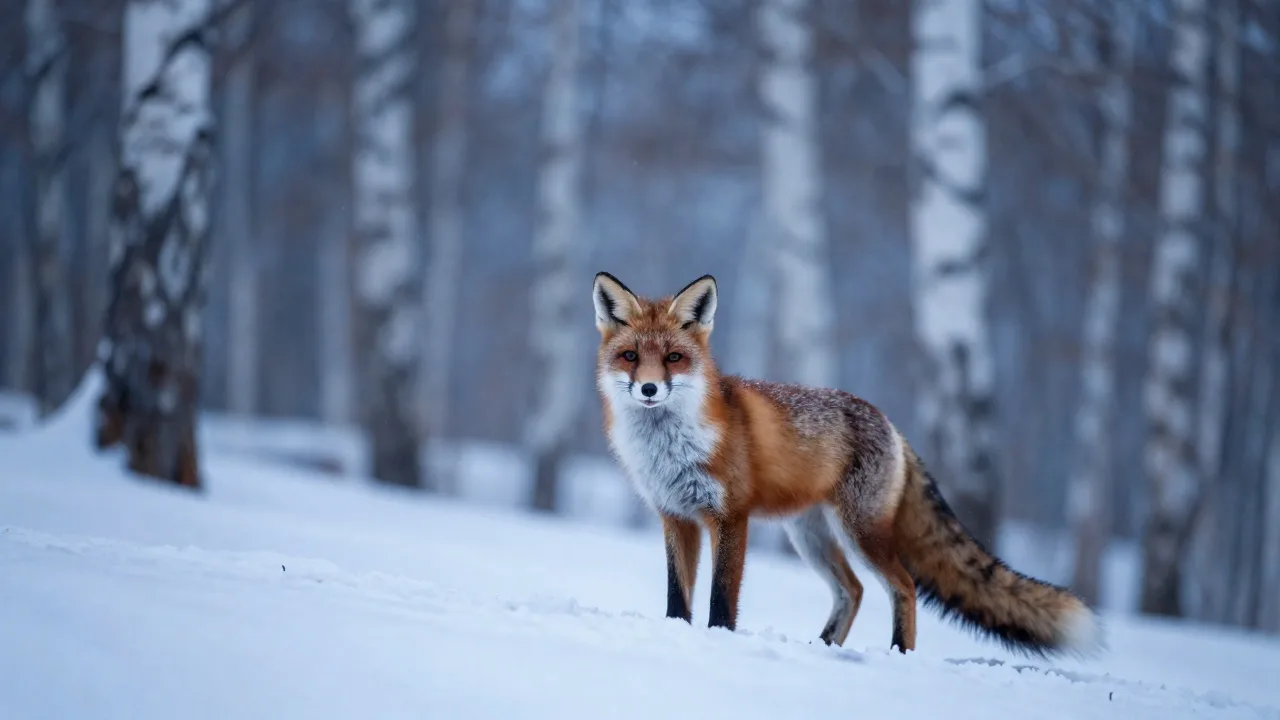
Your image is the opening frame and sets the shape of the clip. Write what moves and where the camera goes; the fox here took 23 seconds to come back.
Input
Result
Type a shot, or drop in a first and last frame, up to 9 reference pictures, a clip whose camera move you like, or a beat. H3 Lite answers with 4 to 15 seconds of 480p or 768p video, audio included, at 5 or 8 credits a second.
Prompts that ask for nudity, sexual content or a real person's likeness are turned down. Terms of Service
Eight clips made by H3 Lite. Hailuo3AI rendered four of them; the other four are the examples Cloudflare publishes for this model. Pick one to load its prompt, pictures and sound into the generator at the size it was made.
Four clips and their input pictures are from Cloudflare Docs (CC BY 4.0). Rights holder and want something removed? Write to support@hailuo3ai.app.
Six starting points
What you attach decides the route: nothing goes to text to video, one or two pictures to image to video, anything else to reference to video. Each panel shows the real input beside the real result.
Your image is the opening frame and sets the shape of the clip. Write what moves and where the camera goes; the fox here took 23 seconds to come back.
Input
Result
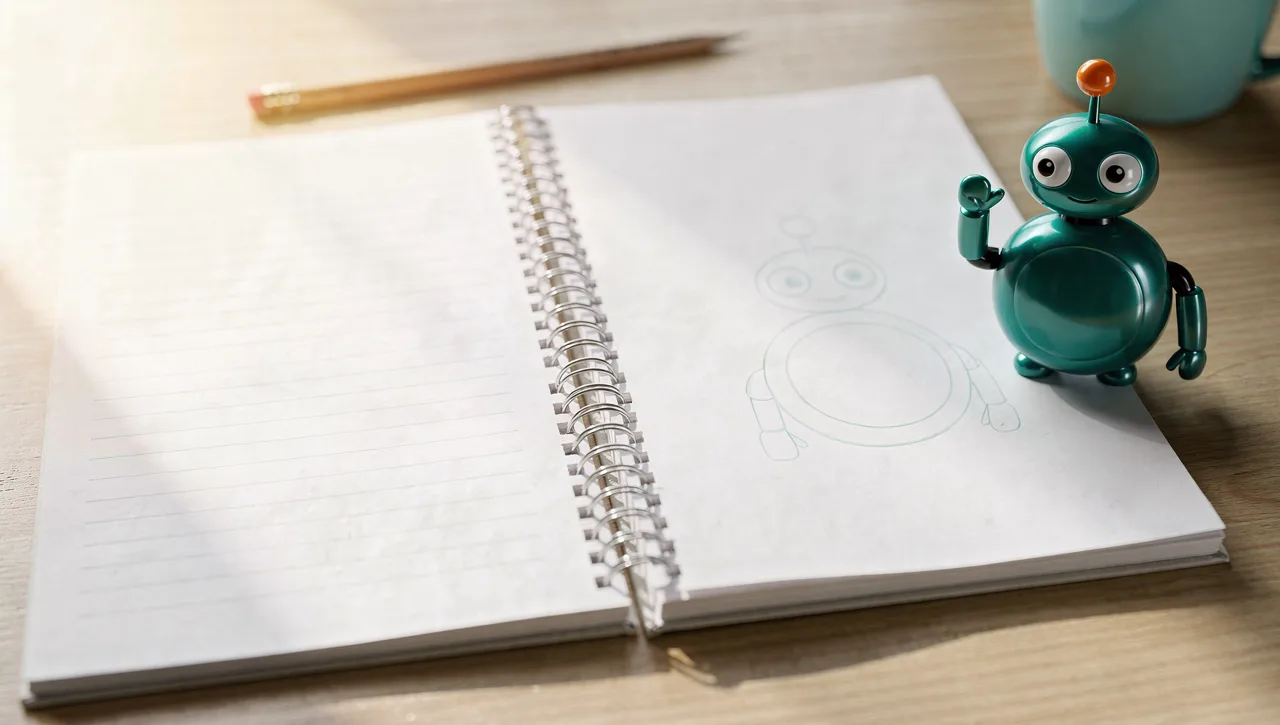
Attach two pictures and choose First & last frame. H3 Lite works out the in-between, like this mascot climbing off the page. Neither frame adds to the price.
Input

Result
Give it up to 9 pictures of the same subject from different angles and put it somewhere new. The first five pictures are included; each one after that adds 4 credits.
Input

Result
Attach a clip and mention @Video 1. The path and timing carry over to a new scene: our lighthouse crane-up became a balloon leaving a canyon. Reference seconds cost the same as output seconds.
Input
Result
Add an mp3 or wav of 2 to 15 seconds with at least one picture or clip, and call it @Audio 1. The crane hops on the kick drum. Reference audio is free.
Input

Result
No attachment at all: describe the shot, pick a frame from 21:9 to 9:16 and draft at 480p for 5 credits a second. Rerender the take you like at 768p.
Input
Result
Put it to work
Each clip here came from the prompt behind its button. Load it, swap the subject and draft your own.
Rough out an opening shot, a reveal or a transition and play it for the team with sound. At 8 credits a second you can try ten framings for the price of one longer render elsewhere.
Landscapes, skylines and slow drone moves to cut between interviews or under a voice-over. Camera cues in brackets such as [push in] and [tilt up] steer the move.
Start from a product shot, a pet or an illustration and give it one small action. Vertical 9:16 at 480p costs 20 credits for four seconds.
Subject, action, camera and sound in a sentence or two. Add a frame to open on, a frame to end on, reference pictures, a clip or a sound file if you have them.
Any whole length from 4 to 15 seconds, 480p for drafts or 768p for keepers, and a frame from 21:9 to 9:16. The button shows the credit total before you press it.
Most clips land in your library within a minute, sound and all. Change one word and run another take, or reuse a clip as the motion reference for the next.
Why here
What the model is good at, and what this site adds so you always know the cost first.
5 credits a second at 480p and 8 at 768p for any whole length from 4 to 15 seconds. A 5-second 768p clip is 40 credits; Seedance 2.0 Fast, also in the menu, is 120 for the same length.
Surf, wind, footsteps, a burner flaring: H3 Lite writes the audio together with the picture. All eight clips on this page have a track; press the speaker to hear it.
Our text and single-image clips came back in 23 seconds, the sound reference in 28 and the clip reference in 79. Short waits make it practical to try several takes of one idea.
Our server sets the price before the job starts. If the model errors or turns a prompt down, every credit goes straight back to your balance.
Clips are paid for in credits. Buy a pack for a one-off project, or a plan if you draft every week.
Lite
For a few drafts each week.
~$0.010 per credit
About $0.41 a clip
Included
Pro
For creators who post video every week.
~$0.008 per credit
About $0.33 a clip
Lite features, plus
Ultra
For teams storyboarding most days.
~$0.007 per credit
About $0.28 a clip
Pro features, plus
Tax, where it applies, is already in these prices.
FAQ
Sign in, write the shot and press the button. Attachments pick the route: one picture animates, two can be the first and last frame, more pictures, a clip or a sound file become references. Finished videos are kept in your library.
The lower-cost tier of MiniMax H3, the model behind Hailuo 3.0. MiniMax describes it as doing the same jobs as H3 (text, first and last frame, references) at a lower price and a lower top resolution: 480p and 768p instead of 768p and 2K. Hailuo3AI reaches it through WaveSpeed.
Both are in the model menu. H3 Lite costs 5 or 8 credits a second and our clips came back in under 30 seconds. Seedance 2.0 Fast costs 24 or 28 a second, took over three minutes per clip in our tests, goes up to 1080p and can edit footage you upload. Draft on H3 Lite, switch when you need an edit.
Up to 9 pictures, 3 video clips and 3 audio files. Clips are read for 2 to 15 seconds each and 15 seconds in total. Sound files must be 2 to 15 seconds and need a picture or a clip beside them. Name them @Image 1, @Video 1, @Audio 1 in upload order.
Not for video. New accounts get 10 credits, enough for two pictures in the Image tab. The cheapest H3 Lite clip, 4 seconds at 480p, is 20 credits and needs a credit pack or a plan.
Yes, always: there is no switch to turn it off. The sound you describe is rendered with the picture. Listen before you publish, since the mix and loudness change from take to take.
No. H3 Lite uses an uploaded clip only as a reference for motion and camera. To change the weather, time of day or look of existing footage, pick Seedance 2.0 Fast in the model menu and keep Edit selected.
Attach exactly two pictures and choose First & last frame. The first opens the shot, the second closes it, and the model invents the motion between them. Both frames are free; you pay only for the seconds you ask for.
Yes. Upload a clip of 2 to 15 seconds and say what to take from it, for example: follow the crane-up of @Video 1, but over a desert canyon. Its seconds, rounded up, are billed at the output rate, so a 5-second reference at 768p adds 40 credits.
5 credits a second at 480p and 8 at 768p: 25 or 40 credits for 5 seconds, 75 or 120 for 15. Frames and sound references are free, reference images are free up to five, and reference clips cost the output rate. The button shows the total before you start.
Any whole number of seconds from 4 to 15, at 480p or 768p, in 21:9, 16:9, 4:3, 1:1, 3:4 or 9:16. A clip that starts from your picture keeps that picture's proportions. There is no 1080p or 2K on H3 Lite.
That depends on MiniMax's and WaveSpeed's current terms, which we can't interpret for you. Read them before client work, and leave real people's faces, other brands' logos and material you don't hold rights to out of prompts and uploads.
No. Hailuo3AI is an independent site that sends your requests to MiniMax H3 Lite through WaveSpeed, a third-party API platform. MiniMax does not run, endorse or partner with it.
Start with a credit pack or a plan. Every clip is priced on the button before it renders, and a failed render refunds itself.